

Industrial PCs
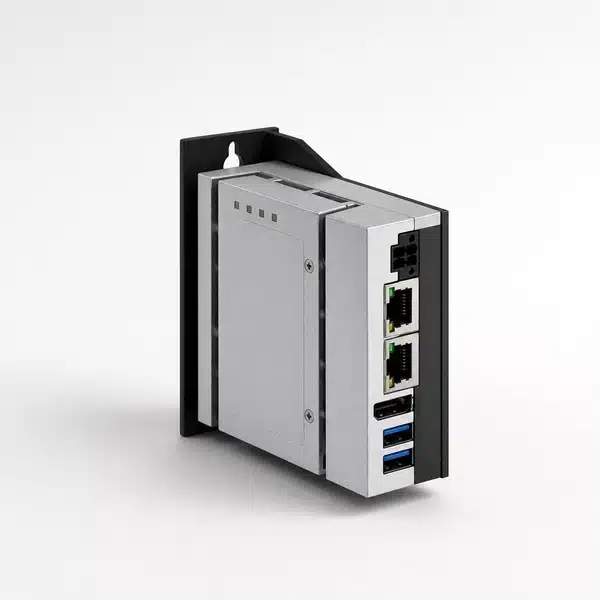
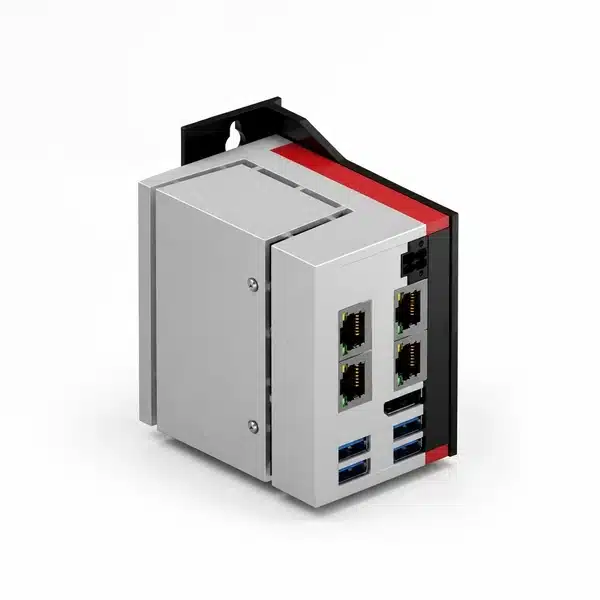
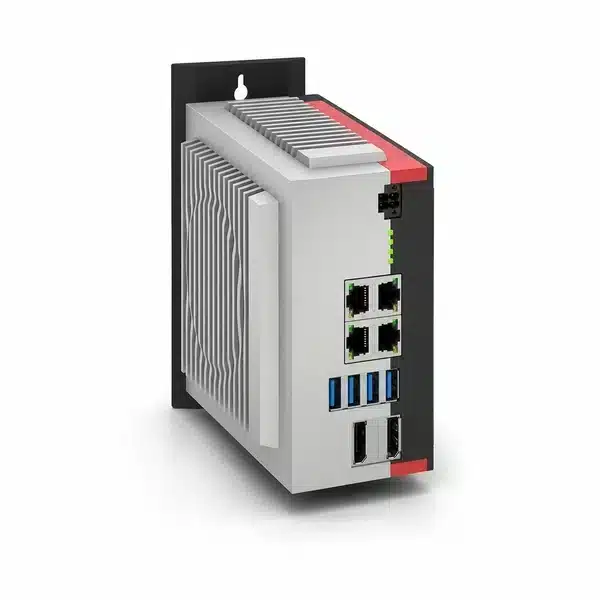
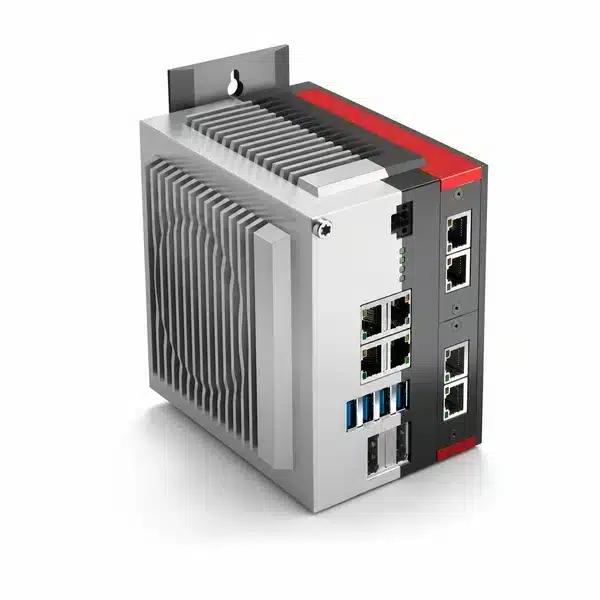
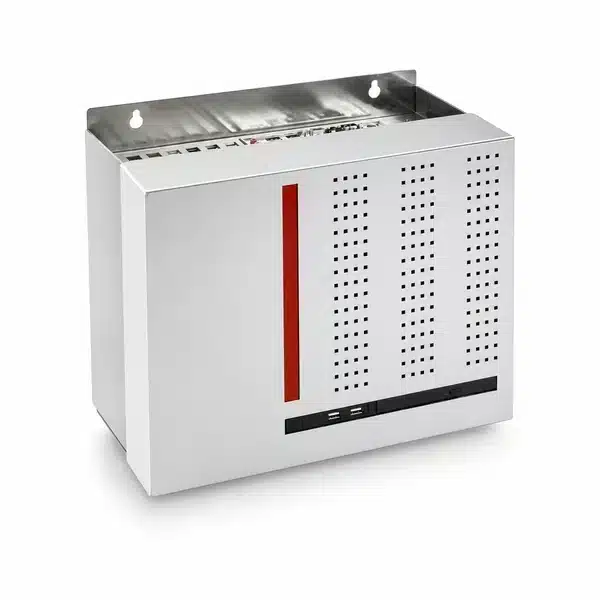
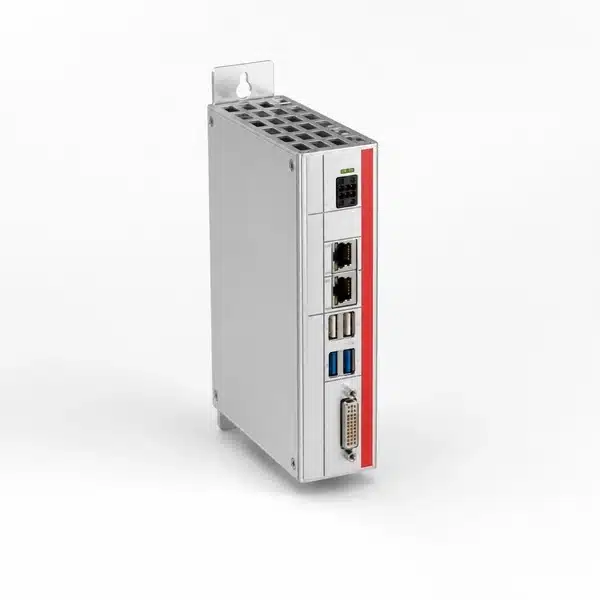
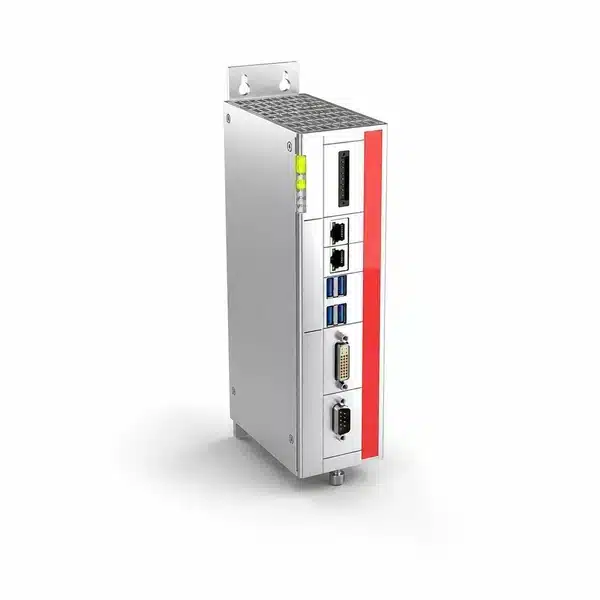
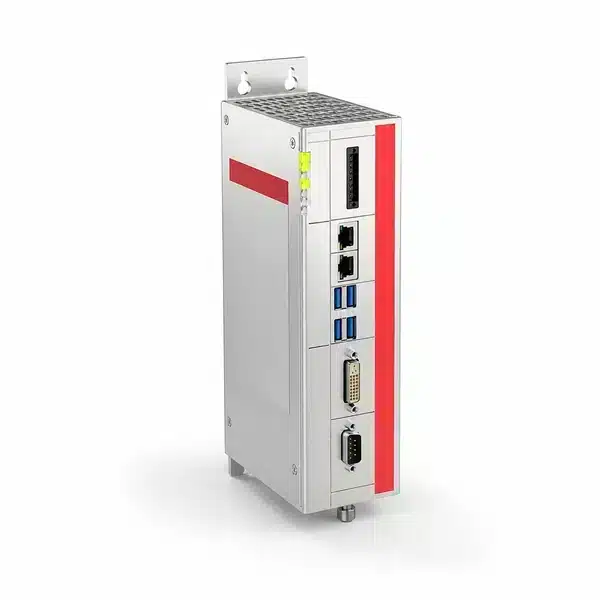
Enicstra stocks industrial box PCs and rackmount industrial PCs designed for continuous operation in production environments. These are the standalone computing platforms (without integrated display) used as SCADA hosts, MES gateways, vision processing PCs, motion control hosts, and protocol converters between fieldbus networks and enterprise systems.
Brands carried include Advantech (UNO, MIC, ARK series), Beckhoff CX and C6 box PCs, Siemens SIMATIC IPC 427/627/827, Kontron KBox, B&R Automation PC 910/2100, and similar industrial-PC platforms. Obsolete box and rackmount industrial PCs are sourced through our supplier network — units are bench-tested for power-up and ship with a 12-month functional warranty.
For an obsolete industrial PC, send the OEM part number for a quote within 1–2 business days.
Industrial PCs


Can't Find The Part You Need?
Send us the part number, manufacturer, quantity, and condition — we'll locate it.
Do you stock obsolete Advantech UNO and Siemens SIMATIC IPC?
Yes. End-of-life UNO-2000/3000-series, SIMATIC IPC 427C/D and 627C/D, and discontinued Beckhoff CX5000/CX9000 are sourced regularly.
Will Beckhoff TwinCAT software run on a replacement CX?
If the CX model and TwinCAT version are compatible, yes. TwinCAT licenses are tied to the hardware ID, so re-licensing through Beckhoff is typically required when changing units. We can state the CX model and any pre-installed image before purchase.
Are installed fieldbus cards included?
If listed on the OEM part number, yes — the card and its riser are part of the unit. If the original used an add-in card not in the base SKU, that card may need to be sourced separately. We will state what is included.
Can I move my SSD into a replacement chassis?
If the storage interface matches, physically yes. The OS image will usually need driver reinstall or a full reimage because Windows binds drivers to the original hardware on first install.
How are rackmount PCs shipped?
From St. Louis. 1U/2U units ship parcel; 4U and larger may ship LTL. Standard free shipping applies on parcel-eligible units; oversized freight is quoted at order.
What is the warranty?
12 months functional warranty on the hardware. Storage drive failures from age, OS corruption from user actions, and software activation issues are not covered.