

Options and Accessories
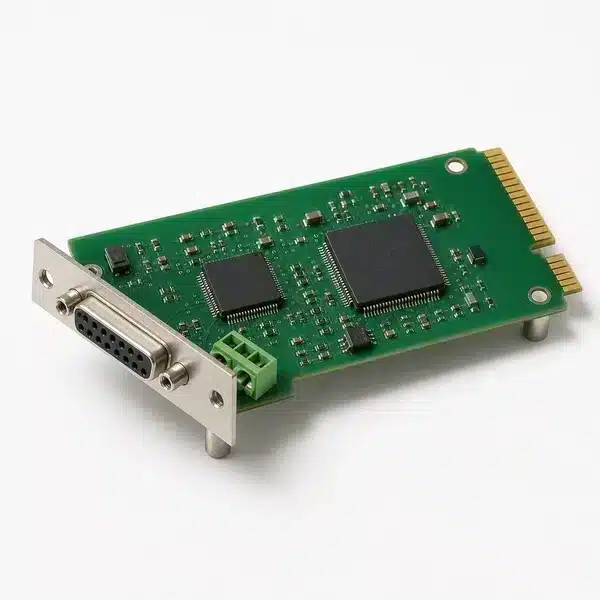
Enicstra stocks option modules and accessory kits used to extend the capability of installed automation equipment: VFD option cards (Ethernet, fieldbus, additional I/O, brake transistor option), PLC communication option modules, servo drive feedback option cards, controller memory expansion, HMI ETM-style option boards, and the manufacturer-coded accessory kits that ship as separate add-ons rather than integrated features.
Brands include option modules from Allen-Bradley (PowerFlex 22-COMM, ControlLogix 1756 option cards), Siemens (CU240 communication, CBE20), Yaskawa (SI-N3, SI-EP3), Mitsubishi (FR-A8NP, FR-A8NCG), ABB (FENA, FPBA), Schneider (VW3A3-series), and Beckhoff (CX-series option cards). Obsolete option modules — discontinued PowerFlex 22-COMM first generations, retired Yaskawa SI codes, end-of-life Mitsubishi FR-Axx options — are sourced through our supplier network. Items ship with a 12-month functional warranty on hardware.
For an obsolete option module or accessory kit, send the OEM part number for a quote within 1–2 business days.
Options and Accessories




Can't Find The Part You Need?
Send us the part number, manufacturer, quantity, and condition — we'll locate it.
Do you stock obsolete option modules?
Yes. Discontinued PowerFlex 22-COMM-E/P/D codes, retired Yaskawa SI-N3/SI-EP3, end-of-life Mitsubishi FR-A8NCG, and earlier ABB FENA modules are sourced through our supplier network.
Will the option module configure automatically?
No — option modules typically ship in default state. After physical installation, configuration is done via the OEM engineering software (DriveExecutive, Studio 5000, TIA Portal, GX Works). Without configuration, the module does not produce useful behavior.
Can I add a newer-generation option to an older drive?
Sometimes. Compatibility is firmware-driven; the drive must recognize the option module. Older firmware sometimes does not support newer options. Check the OEM compatibility matrix or send the device part number with the option request.
Is the option module hot-swappable?
Depends on the device. Some option modules can be added without powering down; many require power-off. Default to powering down unless the OEM documentation explicitly states hot-swap is supported.
What's the difference between option and accessory?
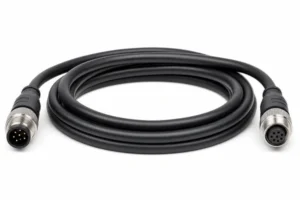
"Option" usually adds functional capability (new protocol, more I/O). "Accessory" usually supports the primary device (brackets, cables, covers). The boundary is fuzzy; in practice, OEMs use both terms in their accessory kits.
What is the warranty?
12-month functional warranty on the option module hardware. Damage from incorrect installation, miswiring, or operating outside rated environment is not covered.